COMPVTER EXTREMISM: Installing Windows 98 on DOSBox-X (M-chip Mac)
> Join 10K+ engineers getting posts like this in their inbox.
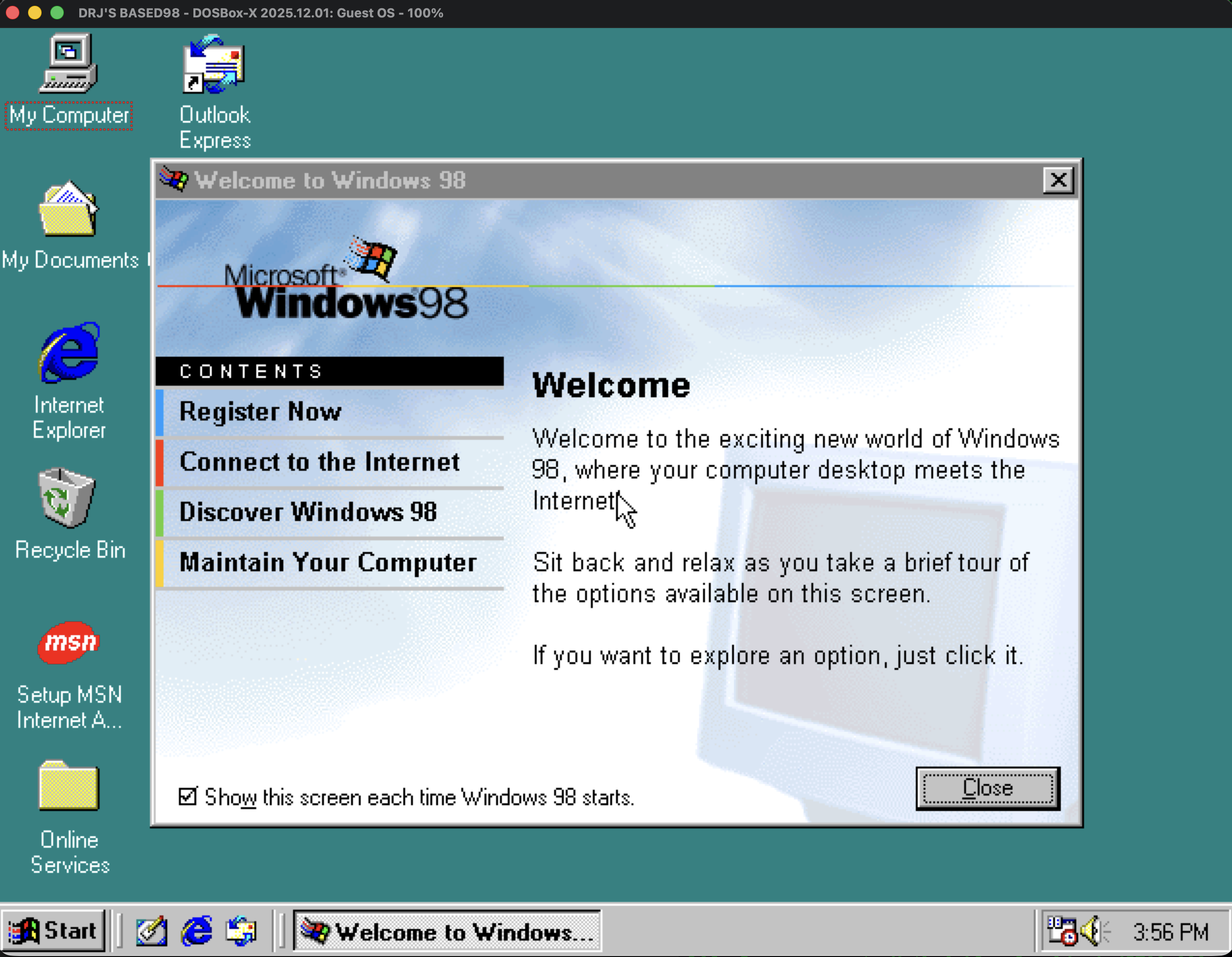
What You Need
DOSBox-X: Install via Homebrew with brew install dosbox-x
Windows 98 SE ISO: Download from Internet Archive
Product Key: B8MFR-CFTGQ-C9PBW-VHG3J-3R3YW
Setup
1. Create Your Config File
Save the following as win98.conf in your working directory:
`[sdl]
output=opengl
windowresolution=1280x960
fullresolution=desktop
display window maximized=false

[dosbox]
title=Windows 98
memsize=512

[video]
vmemsize=8
vesa modelist width limit=0
vesa modelist height limit=0

[dos]
ver=7.1
hard drive data rate limit=0
floppy drive data rate limit=0

[cpu]
cputype=pentium_mmx
core=normal

[sblaster]
sbtype=sb16vibra

[fdc, primary]
int13fakev86io=true

[ide, primary]
int13fakeio=true
int13fakev86io=true

[ide, secondary]
int13fakeio=true
int13fakev86io=true
cd-rom insertion delay=4000

[render]
scaler=normal2x forced
aspect=true

[autoexec]
IMGMOUNT C hdd.img
IMGMOUNT D win98cd.iso
BOOT C:
`
2. Create a Hard Disk Image
Launch DOSBox-X and create an 8GB disk image:
`dosbox-x -conf win98.conf
IMGMAKE hdd.img -t hd_8gig
`
3. Install Windows 98
Mount your drives and copy the installation files:
`IMGMOUNT C hdd.img
IMGMOUNT D win98cd.iso
XCOPY D:\WIN98 C:\WIN98 /I /E
C:
CD \WIN98
SETUP
`
Pro tip: Toggle turbo mode with the backtick key (`) to speed through file copying.
4. After First Reboot
When Windows reboots and you land back at the Z:\ prompt, exit DOSBox-X and restart it with the same command. The [autoexec] section in your config handles mounting and booting automatically.
`dosbox-x -conf win98.conf
`
The graphical setup will continue. You may need to restart DOSBox-X a few times as Windows completes installation.
Running Windows 98
Once installed, just run:
`dosbox-x -conf win98.conf
`
Resources
> Enjoyed this? There's more where that came from.
I write about engineering leadership, tech careers, and the stuff nobody else will say. Free AI Spending Tracker PDF with signup.
> Keep reading
Your Clean Desk Is Why You're Not Getting Promoted
A blunt case against performative desk setups and for output-focused workspaces, keyboard investment, and the 3-item daily list.
nobody cares how much you use AI when coding and we should stop pretending
and learn to mind our own business.
Amazon’s insane plot to lay off 30,000 American workers and hire 3 million in India
Amazon's latest push to lay off 30,000 American workers while hiring 3 million in India. The pattern is undeniable.